Keep your account details private. Never share your password or password-reset link.
✨ °•Uniquely~Organised•°
Your personal business studio
👤 Profile: °•Uniquely~Shaded•°
📅 Calendar & Work LogsSelect a date to add or review work.
🗝️ Vault
Your secure home for business totals and backups. Choose one of the two sections below.
📊
Business Dashboard
Current earnings, estimated tax reserve, expenses and your saved and uploaded business records.
📦
Back Up & Download
Download or restore your business records and saved files.
Data safety: Download a backup before major changes. This page links to your existing records and does not duplicate them.
🧾 Set Rates & Service Codes
Manage reusable work descriptions, service codes and rates, and record work directly. Pick a date and schedule, enter the description, hours and rate, then save. You can reuse a service code or save this work for next time.
🔁 Recurring Jobs
Create and manage repeating work schedules alongside your service rates.
Required fields: date, description, hours, rate and schedule.
Saved work for the selected date
Review entries for the date you choose. Changes are included in invoices for matching periods and clients.
Saved Descriptions, Service Codes & Rates
Add your own service descriptions, codes, fixed hourly rates and applicable schedule. Nothing is preloaded.
Add a support service
Saved support services
👥 Client Details Ledger
Client information is saved under the signed-in account on this device and included in account backup sync when you are online. You can also export a backup anytime.
Add a client
Saved clients
Client Information & Work Contacts
Manage client records and frequently used work contacts from this page.
📇 Work Contacts
Save commonly used work contacts for quick reference. These entries are stored in this browser and included in your backup.
🧾 Invoice Studio & Historical Vault
Monthly invoices include the full calendar month containing the selected date.
Enter the numeric part of the latest invoice you have already sent, including invoices from before this app. The next saved invoice will use the following number.
Set this once to the latest invoice number you already sent before using this app.
°•Uniquely~Shaded•°
Choose a month and client to preview invoice lines.
Saved invoice vault
🎨 Creative Flow
Choose a starting template
Pick a starting layout, then customise it below. Each tool is tucked into its own expandable section.
Creative studio · layouts, frames & photos
Choose a canvas size, decorative border, and a starting layout. Add your own pictures. Everything stays in your browser until you back it up.
🖼️ Pictures, frames & professional layouts
Start with a layout, add your own photos, or decorate with an editable frame. Templates are original starting layouts, not Design.com assets.
📤Upload your pictures & templatesTap to choose multiple images from your phone, gallery or files. PNG, JPG, WebP and other browser-readable image formats are accepted; images are resized for storage.
Images are compressed before saving and included in local app data/backups. Very large batches may still need to be uploaded in smaller groups.
Customise the workspace and use the searchable built-in element library to compose a simple logo, card or design concept. Upload your own original logo and invoice template below.
Use the colour picker for virtually any colour, enter a HEX value, or choose a signature palette. These original “Aurora Ribbon” blends are designed for Uniquely Organised.
Creates a three-colour blend when enabled.
Controls how softly the colours blend.
Original quick palettes
Your Business Name
Care · Creativity · Quality
✥ Selected element controls
Drag an element on the canvas to move it. Use the controls to resize, flip, rotate and switch between filled and outline previews.
🕘 Recently used elements
Choose any element to add it to your board. You can remove elements individually.
🖌️ Live appearance & saved design presets
Live appearance controls
🏢 Business profile & invoice details
Business profile & invoice details
Logo / image colour matching
The app samples the image pixels to suggest a primary colour and accent. Review the colours before saving your design.
Upload your templates
Create or edit a fillable HTML invoice template
Paste your HTML invoice design below, or upload an .html/.htm template. Add the placeholders below wherever the app should insert invoice details.
Available placeholders
{{businessName}}, {{businessOwner}}, {{businessPhone}}, {{businessEmail}}, {{businessAddress}}, {{businessABN}}, {{businessLogo}}
{{invoiceNumber}}, {{invoicePeriod}}, {{invoiceStartDate}}, {{invoiceEndDate}}, {{invoiceDate}}, {{clientName}}, {{clientReference}}, {{clientContact}}, {{invoiceNotes}}, {{invoiceTotal}}, {{invoiceRows}}
{{invoiceRows}} inserts the invoice table rows with date, service description, code, hours, rate and line total.
HTML templates can automatically populate invoice fields. PDF and image files can be saved and previewed, but their artwork cannot automatically be converted into editable fields.
🔐 Account access
Secure account access. Choose a unique username when registering, then use your email address and password to sign in. Confirmation and password recovery use links sent to your inbox.
Connect your account
Your username is unique and separate from your private email address. Use letters, numbers, dots, dashes or underscores.
Choose a new password
Not connected to a remote account.
Account backup sync connects directly to Supabase after the included SQL setup has been run. Upload replaces the remote backup for this account; download replaces this device's app data. Always download a local backup first. Passwords and verification codes are not saved by this app; the session token stays in this browser tab. Passkeys and device invitations are separate optional features that need a backend.
Owner device-sharing gate
A logged-in owner can issue a single-use, time-limited invitation bound to a target device ID. Open this section on the receiving device and copy its device ID to the owner first.
Security note: device IDs identify this app installation, not the physical hardware. Invitations expire and can be used once. Protect the token as you would a password.
Linked devices
Sign in to view devices linked to your account.
Install °•Uniquely~Organised•° on this phone
Install it to your home screen so it opens like an app, with its own icon. Installation is free; this does not publish it to an app store.
Open this website in your phone's browser over HTTPS, then tap Install app. If the browser does not offer automatic installation, follow the manual steps.
Android (Chrome): Open this website in Chrome, tap the three dots ⋮, then choose “Install app” or “Add to Home screen” and confirm.
iPhone/iPad (Safari): Tap Share, choose “Add to Home Screen”, then tap Add.
Important: this installs the hosted website as a web app (PWA); it does not install an APK or a Play Store app. The website must first be deployed to an HTTPS address.
App build & update status
Checking installed app update support…
📝 Thoughts & Notes
Save ideas, plans, reminders and project notes.
Notes save on this device as you type.
💌 Suggestions & Feedback
Send a suggestion, feature request or report a problem with °•Uniquely~Organised•°.
Feedback is sent to the shared app inbox when you are signed in. Your message is private to you and the owner.
My submissions
°• App Personalisation •°
Set the app-wide colours, fonts, themes and backgrounds here. Separate colour controls inside Creative Flow remain available for individual designs. Settings are saved with your app data.
°• Default Backgrounds & Themes •°
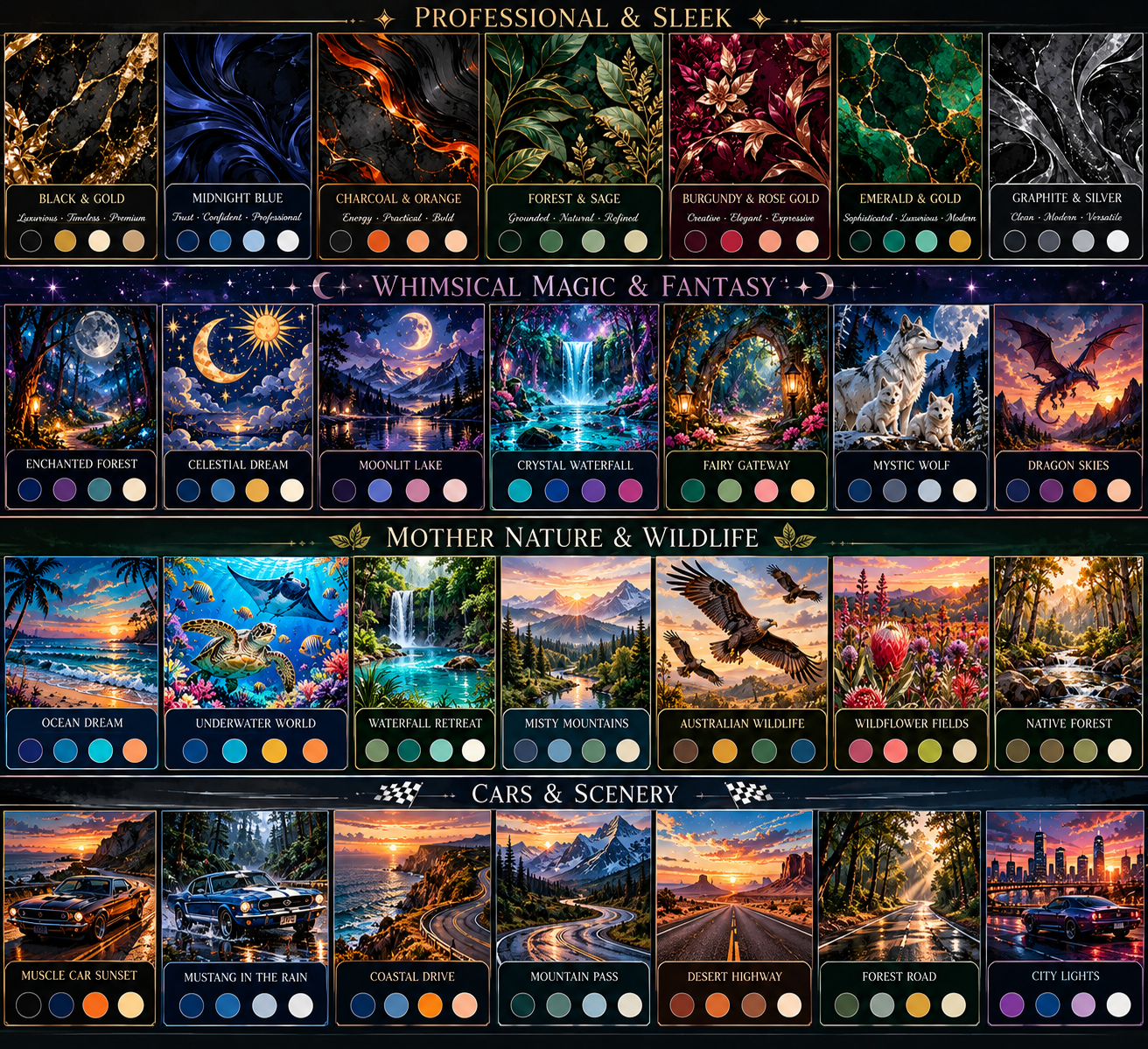
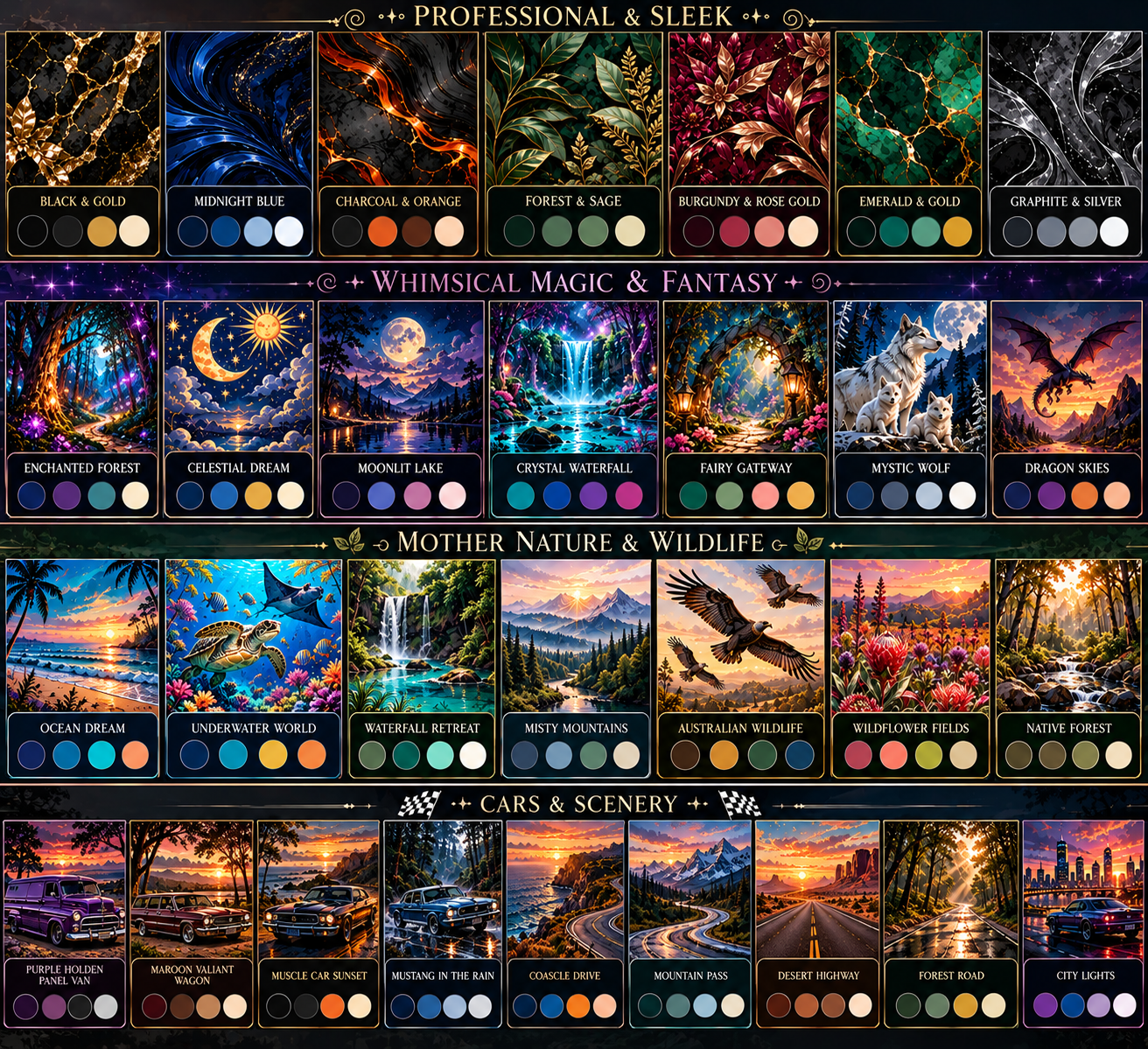
First test version based on your supplied preview boards and palette reference. Choose a category in the requested order, preview a palette, then apply it across the app. This version uses the reference colours; individual artwork backgrounds can be refined as you approve them.
Calendar appearance controls are kept here in App Personalisation, not on the main calendar screen.
🎀 Personalise your calendar
Choose a picture from your phone. The whole image will be shown behind the calendar; day cells become translucent for readability.
🌈 Calendar gradient background
Use a solid colour above or blend two colours behind your calendar.
Choose a look, then turn on sticker placement mode and tap any date. Your choices are saved in this browser account.
Workspace colour palette
These are app-wide colour choices. Individual artwork and document colours remain in Creative Flow. Theme and colour choices are saved with your account data.
Daily sticky note
The sticky can be opened from the pink button beneath Log Out and remains visible while you navigate the workspace. Tick a task to mark it with a wavy blue-style highlight.
For privacy, these local settings are specific to this browser until you upload a fresh account backup.
🔐 Owner Purposes & Administration
Checking secure owner access…
📣 Announcements
Existing announcements
💌 Feedback inbox
Sender IDs are shown because the feedback table does not store sender email addresses.
⚙️ Account Settings
Account, login and support options are organised here. Back Up & Download is available only through Vault. App colours and calendar appearance are under App Personalisation.
🔐
Account, Login & Sync
Sign-in, password recovery and account sync settings.
💌
Contact & Feedback
Send a suggestion, question or problem report.
👑
Owner Administration
Only authorised app owners can access administration tools.
♻️ Recycle Bin
Deleted records can be reviewed here if they were moved to the app recycle bin.
Important: the current app's existing delete actions are not all connected to a shared recoverable recycle bin. This page does not promise restoration or automatic 30-day expiry for records deleted through those controls.
No connected recycle-bin entries are available.
📦 Backup & Privacy Centre
Account-private storage: records are saved on this device and partitioned by signed-in account. In-progress form fields are automatically saved as drafts (passwords and file-picker selections are never saved). While signed in and online, changes are backed up to that account in Supabase after a short delay; the app also attempts a sync when you leave the page and retries when connectivity returns. The app remembers the last workspace page and calendar month. This is whole-database backup sync, not simultaneous collaborative editing. Confirm the account sync status and export a backup regularly; browser storage can fill and offline changes cannot reach the cloud until connectivity returns.
Full backup
Includes settings, design presets, client details, service codes, calendar logs, uploaded templates (where storage allows), invoice history and invoice numbering.
If you enter a password, the downloaded file is AES-GCM encrypted and saved as .zip.enc. Keep the password safe; it cannot be recovered for you.
Restore or inspect data
Optional PIN screen lock
PIN lock is a privacy screen, not full database encryption. Device security and encrypted backups provide stronger protection.
Ready.
Private app prototype. Test with sample data before relying on it for business records. Do not store highly sensitive client information unless your device and backup practices are appropriate.
📊 Business Dashboard
Live business totals from the records currently saved in this app. Check that old income is not entered twice.
Business earnings
$0.00
Set Aside Tax
$0.00
Business expenses
$0.00
🏢 Business Details
These details are read from your saved business profile.
🧾 Invoices
Saved invoices, newest to oldest.
🧾 Receipts
Saved receipt records, newest to oldest.
💰 Previous payments received (before using this app)
Add payments already received before you started tracking work here. Enter only historical income not already included in logged work.
🗓️ Work flow & upcoming jobs
🧾 Invoices needing attention
🛍️ Most frequently recorded purchases
Based on expense/receipt descriptions. Each saved record counts as one purchase entry; quantities are not tracked yet.
🏦 Tax reserve breakdown
These figures are estimates based on information saved in this app, not verified bank balances or an ATO tax assessment. Earnings combine logged work value and manually entered previous payments. Avoid duplicate entries.
💰 Tax Data Area & Receipts → Income & Expenses
Record business expenses, track payments received and review a simple cash overview.
Add an expense
Cash overview
Only enter legitimate business expenses. Keep original receipts. Tax treatment and deductibility depend on your circumstances; ask a qualified tax professional.
🧾 Tax Data Area & Receipts
Keep receipt images and expense details together, review your income and expense totals, and set aside a tax reserve estimate. This is a record-keeping aid, not an ATO tax assessment.
Tax data subcategories
Manage receipts and tax data here. Income & Expenses opens as a dedicated subcategory page.
Add a receipt / expense
OCR is optional and experimental. Review every detected value before saving.
Tax reserve estimate
25% is only a rough budgeting starting point, not a calculated tax rate. Adjust it to suit advice from a registered tax agent.
Receipt images are compressed and saved with your records. Optional OCR can suggest a supplier, date and total when text is clear, but it may misread values. Check every field against the original receipt before saving. OCR loads a free open-source engine from a public CDN when you request it; keep sensitive receipts private and use manual entry if you prefer.
Create a series of work entries from a recurring schedule. Review the dates carefully before creating entries to avoid duplicates.
Important before creating
Preview all dates first.
Existing entries on the same date are not automatically replaced.
Generated entries are ordinary work logs and can be edited in the calendar.
Public holiday rates should be checked against the relevant date and applicable agreement.
🔎 Search Data & Tools
Search across saved records, export your data, and import a compatible JSON backup.
🧰 Work Setup
Manage rate setup and saved reusable work details here. Service codes are optional and only needed where applicable.
Export data
Download a JSON copy of your current app data. Keep this file somewhere safe.
Import data
Import a compatible full backup. Importing replaces current local account data after confirmation.
App readiness check
Run a quick check of browser storage, optional helper libraries and local records. This is a diagnostic aid, not a security audit.
Recent activity on this device
The activity history is a local audit aid, not a tamper-proof legal record. Export backups regularly. Cloud backup availability depends on a valid signed-in session and the Supabase backup table/policies.
Add work log
Add service line
🔒 Workspace locked
Enter your 4-digit PIN to open your workspace.
If you forget your PIN, app data remains in browser storage. You can remove the PIN through the app only after unlocking.